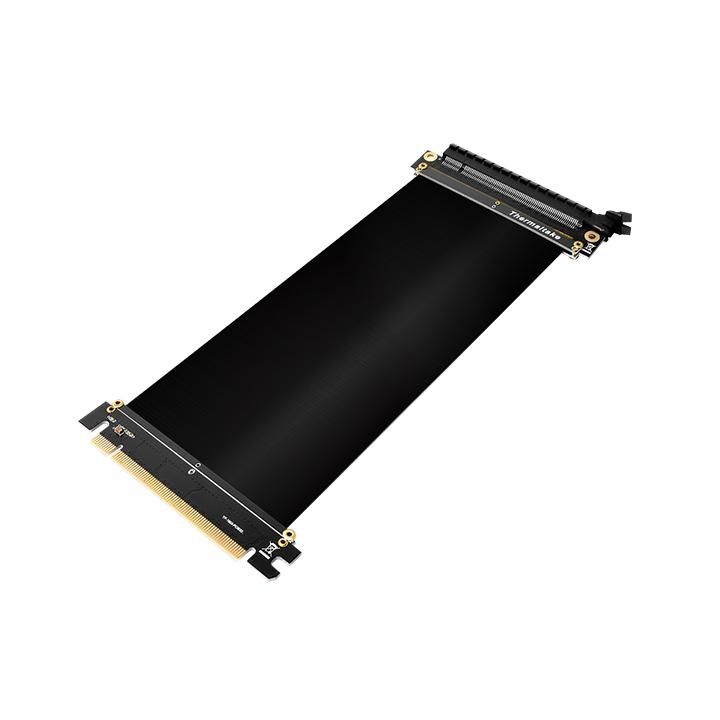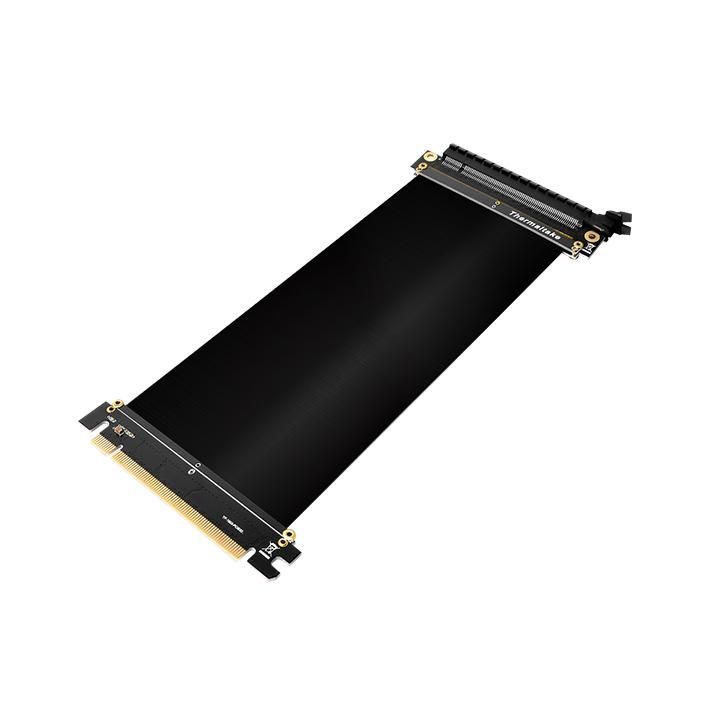
Thermaltake AC-053-CN1OTN-C1 - Zwart - 0.2m

Thermaltake AC-053-CN1OTN-C1 - Zwart - 0.2m

Tous les 2 prix et vendeurs

Choix le plus populaire – Meilleur prix !
Amazon.be Marketplace· Marketplace
€ 35,22
-12% prijsdaling
3 à 4 joursLivraison gratuite
Check de website voor de levertijd | Gratis bezorgd > €20,-
Voir le produit
Voir le produit
bol. Plaza· Marketplace
€ 39,99
3 à 4 joursLivraison gratuite
Gratis verzending vanaf € 25,- | 30 Dagen Bedenktijd
Voir
Voir le produit

Spécifications

Belangrijkste kenmerken
EAN
0841163069554

Description du produit

Thermaltake Gaming PCI-E 3.0 X16 Riser Cable\nThe Thermaltake Gaming PCI-E 3.0 Riser Cable with outstanding quality is designed to meet the most demanding gaming system. Support a wide range of GPU solutions and match the cable included in any gaming chassis. Features like, high-speed cable, EMI shielding cover, durable usage and easy installation are made for exceeding your expectations.\n\nUltimate High Speed Cable\nThe cable features fast graphic data transmission that means it is capable of expanding bandwidth up to 8 Gbps, offering an ultimate experience for gaming.\n\nRobust PCBs Design\nThe cable utilizes a strong PCB on each end to minimize signal loss while ensuring that the signals are transmitted as precisely as possible. In short, this design aims to achieve excellent signal integrity.\n\nEMI Shielding Cover\nElectromagnetic interference shielding covers the cable with conductive or magnetic materials to guard against incoming or outgoing emissions of electromagnetic frequencies, minimize disturbance and degradation on performance.\n\nDurable Usage and Easy Installation\nThe Gaming PCI-E 3.0 Riser Cable provides the best connectivity and lifespan, along with a more control over the placement of your GPU. Support both AMD and Intel motherboard.\n\nThermaltake Gaming PCI-E 3.0 X16 Riser Cable Installation Notice\n\n1. Don’t fold up PCI-e cable when installing To prevent from damaging the cable, please do not fold the PCI-e cable during installation\n\n2. Please connect to motherboard PCI-e 3.0 slot (at X16 mode) To get PCI-e 3.0 bandwidth, please ensure to plug the PCI-e cable into the PCI-e 3.0 X16 interface.

Avis

Aucun avis n’a encore été écrit

Tu possèdes ce produit et tu aimerais donner ton avis ? Commence ci-dessous à écrire ton avis. Selon le niveau de détail, écrire un avis prend en moyenne entre 3 et 10 minutes. Avec ton opinion, tu aides les autres visiteurs à faire un meilleur choix et tu tentes chaque mois de gagner 250 € ! Clique ici pour les conditions de l’action.

Quelle note donnes-tu à ce produit ?